SEE WHAT’S NEXT
Events & signups
Browse Redeemer’s calendar, open event details, register, and manage your signups.
REDEEMER IN YOUR POCKET
Find events, join groups, give securely, check in your family, and stay connected with Redeemer wherever you are.
GET THE APP
Start with Redeemer’s setup link. It opens Church Center with our church already selected—or sends you to the right app store if you still need the app.
RECOMMENDEDConnect directly to Redeemer↗

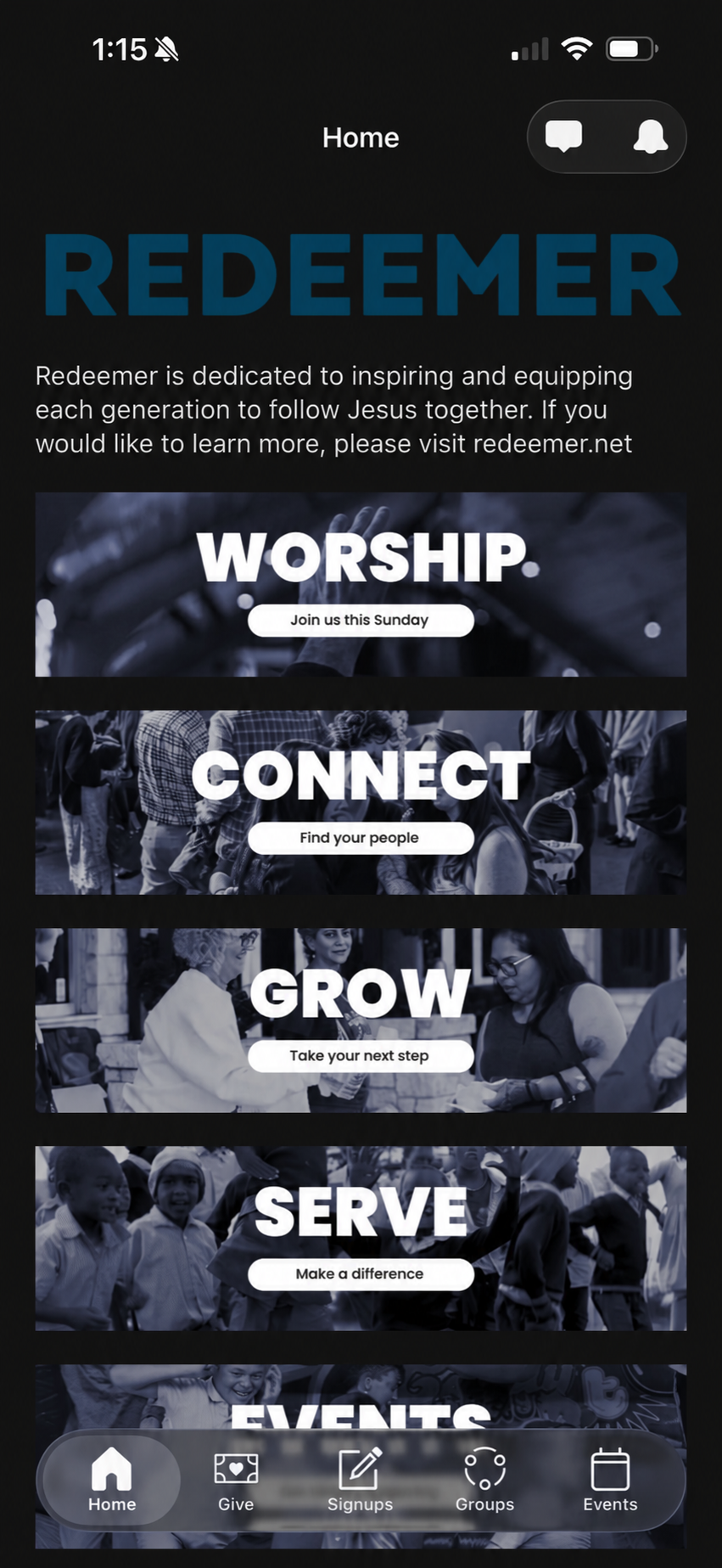
SETUP TAKES ABOUT A MINUTE
Use the Redeemer setup link for the smoothest path. It skips the church search and takes you directly to Redeemer Austin.
Tap the recommended button above. If Church Center is already installed, Redeemer opens automatically.
If prompted, download the free Church Center app from the Apple App Store or Google Play, then return to the setup link.
Open Church Center and continue with Redeemer Austin already selected. If you search manually, choose Redeemer in Austin, Texas.
Enter your mobile number or email address, then use the six-digit code sent to you. There is no password to remember.
EVERYDAY CHURCH LIFE
Church Center makes it easier to participate without hunting through emails or remembering different links.
Browse Redeemer’s calendar, open event details, register, and manage your signups.
Discover groups, connect with leaders, and keep up with conversations and meeting details.
Make a gift, manage recurring giving, and view your donation history and statements.
Pre-check your household from your phone and use the code when you arrive.
View volunteer requests and upcoming assignments, respond, and connect with your team.
Keep household details current and choose what information you share with the directory.
NEED A HAND?
Church Center is free to download and works on Apple and Android phones. You can also use it in a web browser.
Tap the Redeemer setup link. The app should open and prompt you to connect with Redeemer Austin.
Use the setup link on this page instead of searching. It is designed to preselect Redeemer Austin for you.
No. Church Center sends a six-digit verification code to your phone or email whenever you need to sign in.
Yes. Choose the browser option above to use Redeemer’s Church Center website.
REAL PEOPLE CAN HELP
Bring your phone to the Welcome Center on Sunday, or contact the church office during the week.